

Ximage DR software is an advanced digital image acquisition system designed to automate the DR detection workflow. It is an economically efficient and fault free solution with advanced image processing algorithms that achieve optimal image quality and outstanding reliability. Ximage DR aims to provide fast and accurate diagnostic images with minimal user interaction. In view of this, our engineers have spent countless hours focusing on optimizing operations, making it easy for X-ray technology experts to capture high-quality images.
High degree of automation and low cost of personnel training
Complete image processing tools that can easily handle different detection scenarios
Long term software upgrade services to maintain your system's software technology advantage
Priority support for domestic and international standards
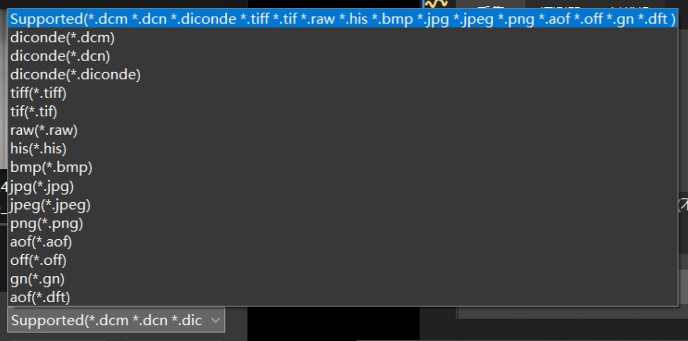
| Supports opening files in multiple image formats ●DICONDE(.dcm/.dcn/.diconde)-Lossless format ●TIFF(.tiff/.tif)-Lossless compression format ●RAW(.raw)-Lossless format ●HIS(.his)-Lossless format ●AOF(.aof)-Lossless format ●bmp、jpg、jpeg、png(Non lossless format) |
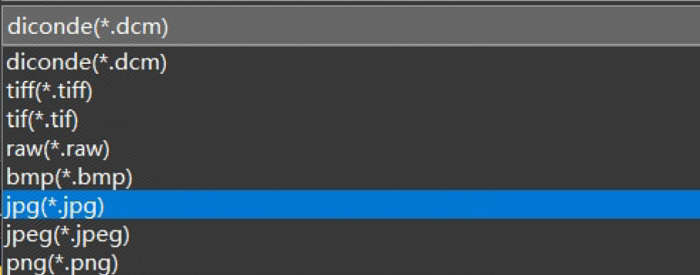
Supports saving files in multiple image formats ●DICONDE(.dcm)-Lossless format (The default format for automatically saving image acquisition) ●TIFF(.tiff/.tif)-Lossless compression format ●RAW(.raw)-Lossless format ●bmp、jpg、jpeg、png(Non lossless format) |
|
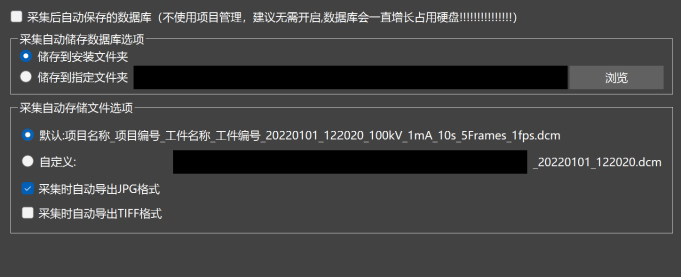
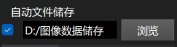
| Automatically save after image acquisition ●Can set automatic file storage location ●Can be saved to the database (local database) simultaneously ●Automatic file storage and automatic naming |
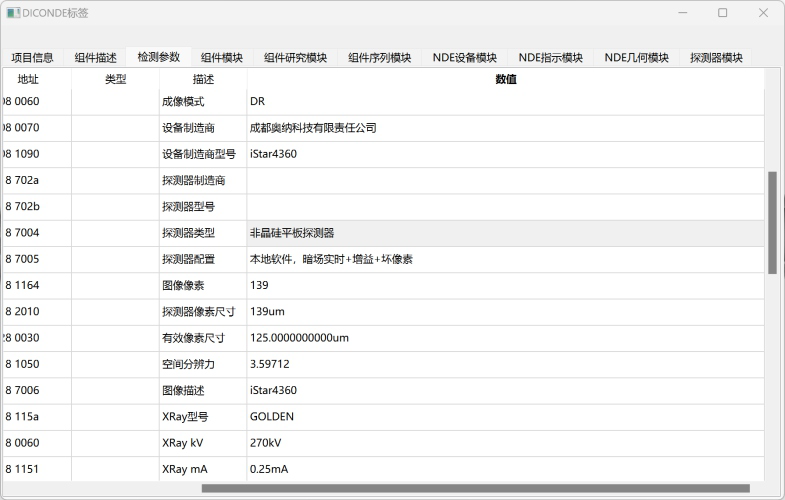
DICONDE file information support ●DICONDE(.dcm)-Lossless format image storage ●Collect parameters, workpiece information, and other information and save them to the DICONDE file ●Compliant with ASTM E2339-2010, GBT 30821-2014 and other standards |
|
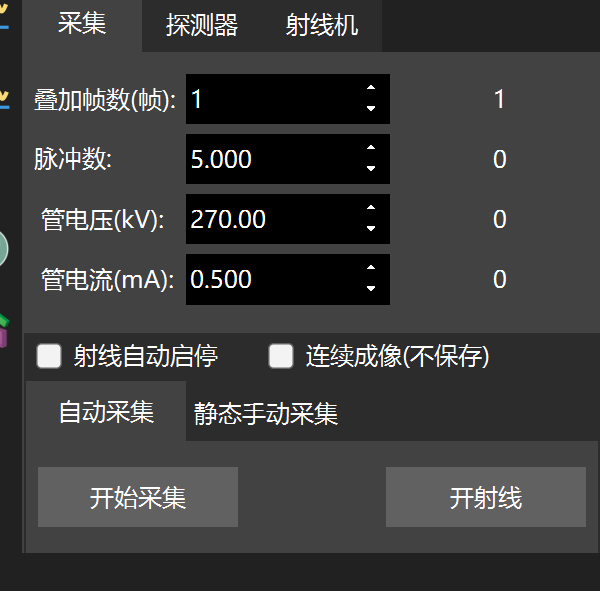
| Image acquisition ●The software can set the integration time (number of pulses) ●Software settings for tube voltage and tube current (adjustable radiation machine) ●Automatic start stop control of X-ray machine ●Multi frame image overlay denoising (mainly used for dynamic tablets) |
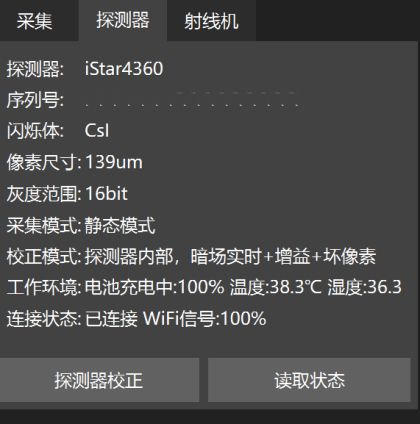
Detector management ●Unified detector management interface ●Detectors from different manufacturers can be managed through this interface to reduce personnel training and learning costs |
|
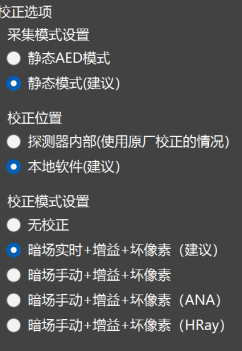
| Image correction settings ●Support switching between AED, software trigger mode, etc. (requires detector support) ●Support the calibration algorithm of the detector itself ●Self developed calibration algorithm |
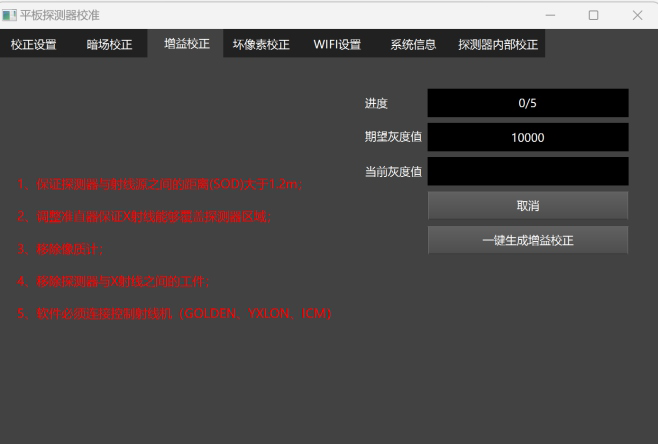
Automatic creation of image correction templates ●Support one click generation of dark field correction (no need for X-ray machine) ●Support one click generation of gain correction and bad pixel correction (no need to manually switch the X-ray machine) ●Users can quickly generate corrections on-site without the need to return to the factory ●The detector has factory calibration stored internally, but the module has failed and can still capture good images |
|
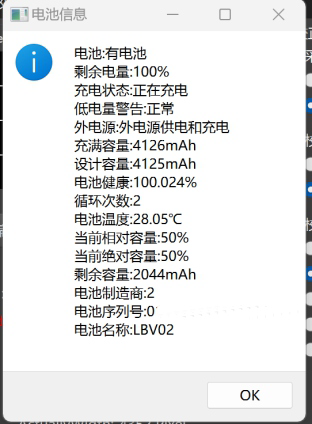
| Detector battery status management (supported by some models of detectors) ●Battery serial number reading, convenient for distinguishing between old and new batteries ●Battery health, cycle monitoring, timely replacement of damaged batteries |
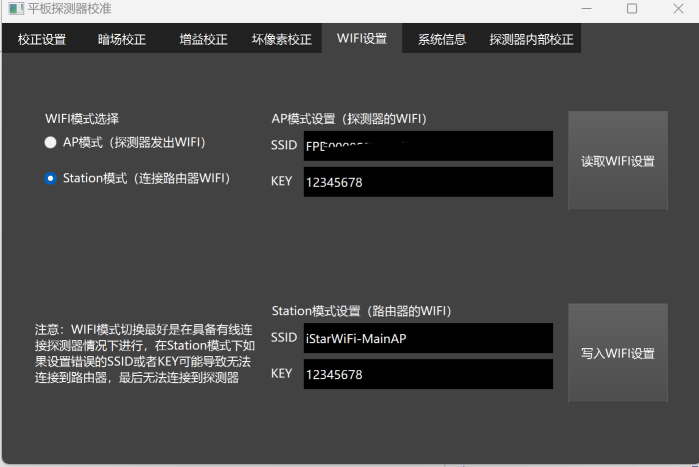
WiFi connection settings for detectors (supported by some detectors) ●AP/STA mode switching ●Connected router settings ●No need for original debugging software,convenient for training |
|
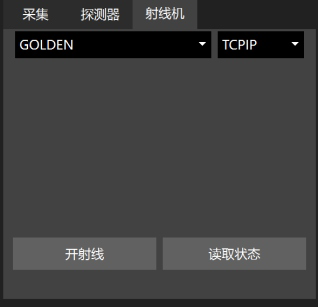
| Radiation machine software control and settings (supported by some radiation machines) ●Control the X-ray machine through WiFi (with iStarTrigWiFi wireless trigger module) ●Monitor the number of pulse usage times of pulse ray machines (GOLD EN series) ●Monitoring X-ray machine error message ●Monitor the battery level of the X-ray machine (some X-ray machines) ●Radiation machine support: GOLDEN \ YXLON \ ICM \ ANA \ Parial frequency machines (for consultation and sales) |
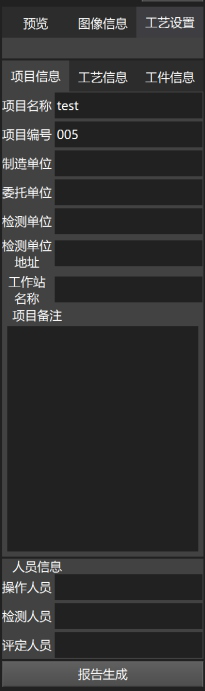
Project and process information settings ●Set relevant parameters according to relevant standards ●All information is saved in DICONDE (. dcm) format files Automatic report generation (under testing) ●Automatically fill in relevant process information into the report template ●Reduce the repetitive work of evaluators |
|
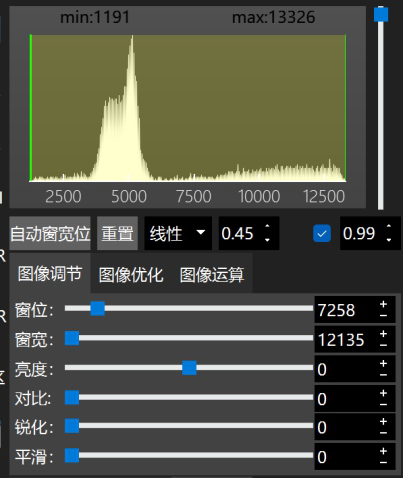
| Image adjustment function ●The intuitive grayscale histogram can be easily adjusted to achieve the desired image effect ●Real time adjustment of window width and level ●Real time adjustment of brightness and contrast ●Sharpening and smoothing real-time processing ●Automatic window width and level reduce the difficulty of adjustment |
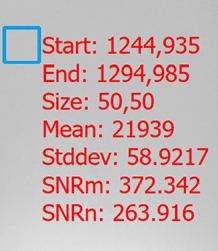
SNR Signal to Noise Ratio Measurement Tool ●Measure the signal-to-noise ratio of a designated area(SNRm) ●Measure the normalized signal-to-noise ratio of a specified area(SNRn) ●Measure the gray mean and standard deviation of a specified area ●Based on relevant standards such as ISO17636 and NBT47013.11 |
|
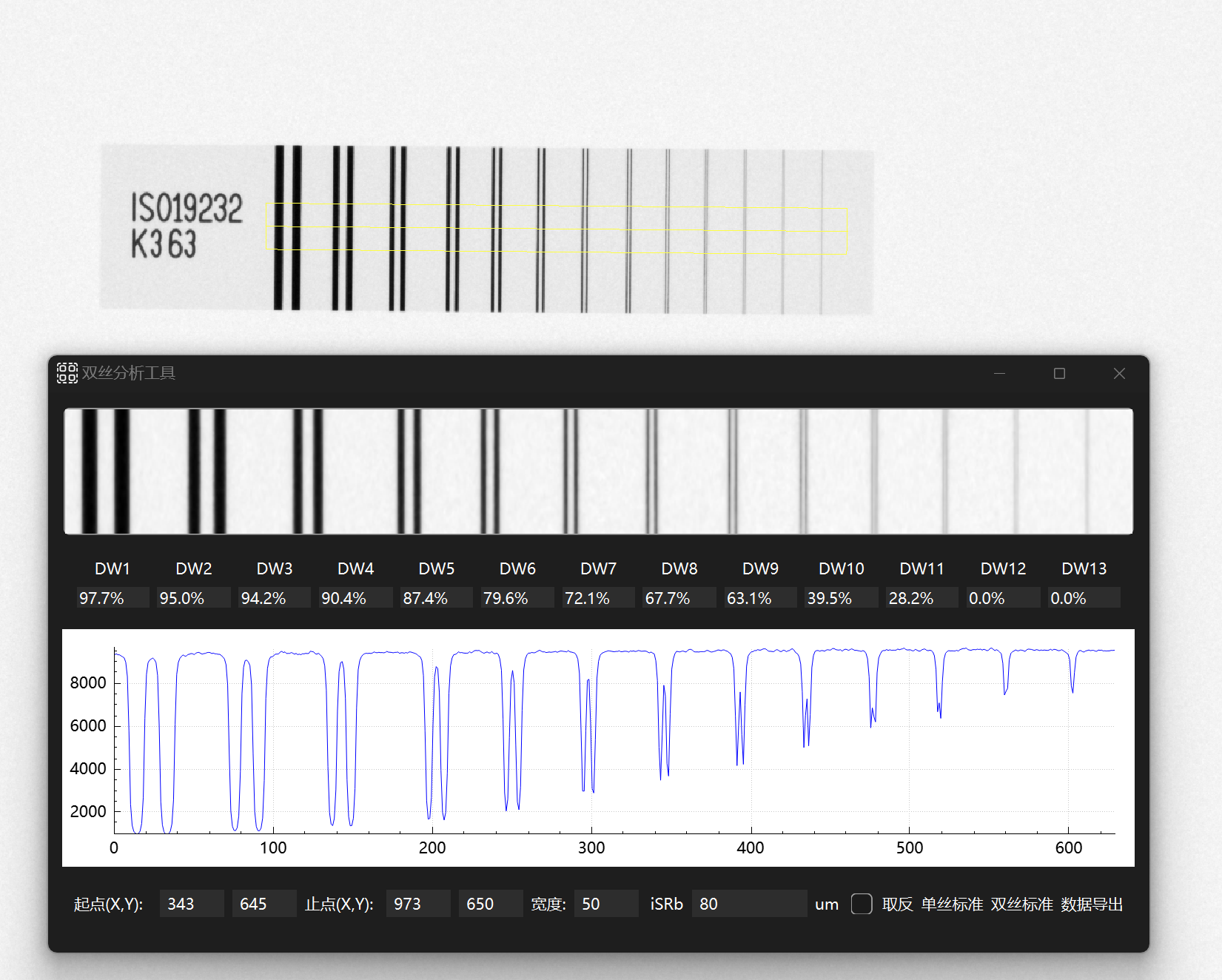
| Dual wire spatial resolution measurement tool ●Based on relevant standards such as ISO17636 and NBT47013.11 ●Measure the spatial resolution of the image (number of double filaments) |
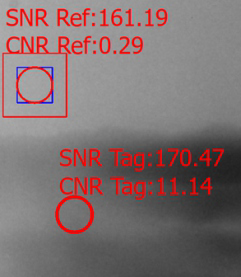
| Contrast to noise ratio CNR measurement tool ●Based on relevant standards such as ASTM ●Measure the CNR/SNR of the target area |
|
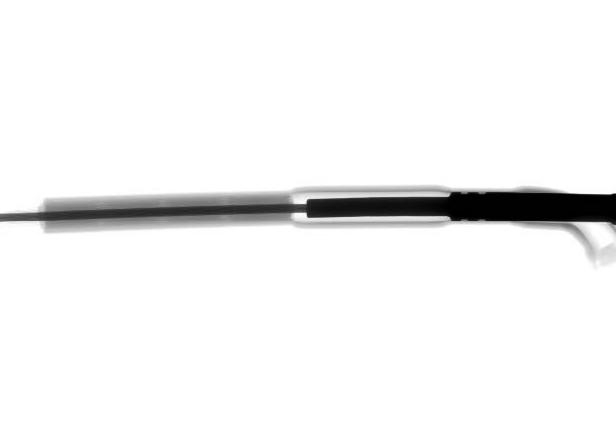
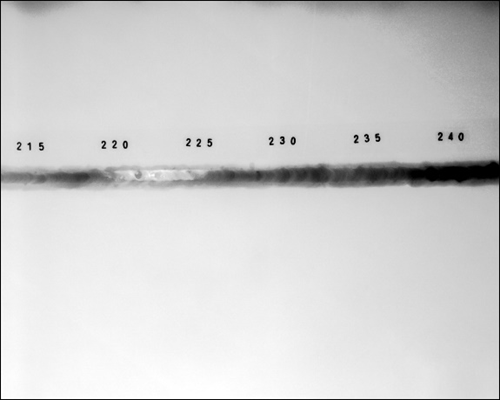
Original image |
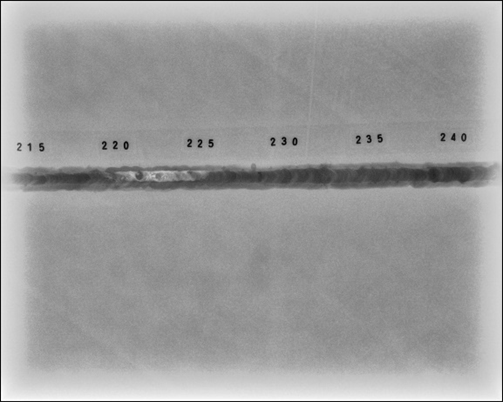
After enhancement |
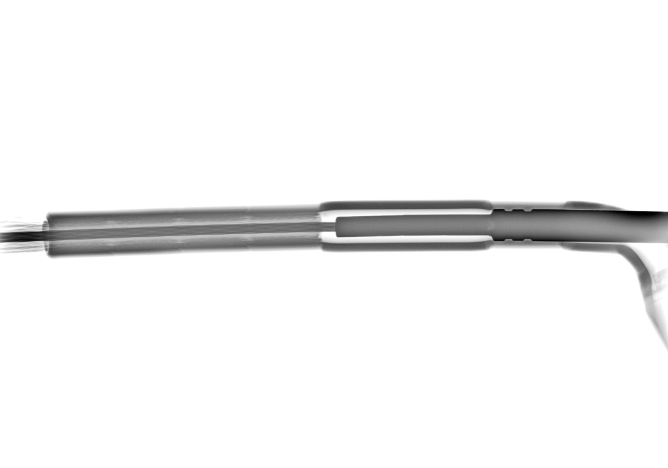
Original image |
After enhancement |